
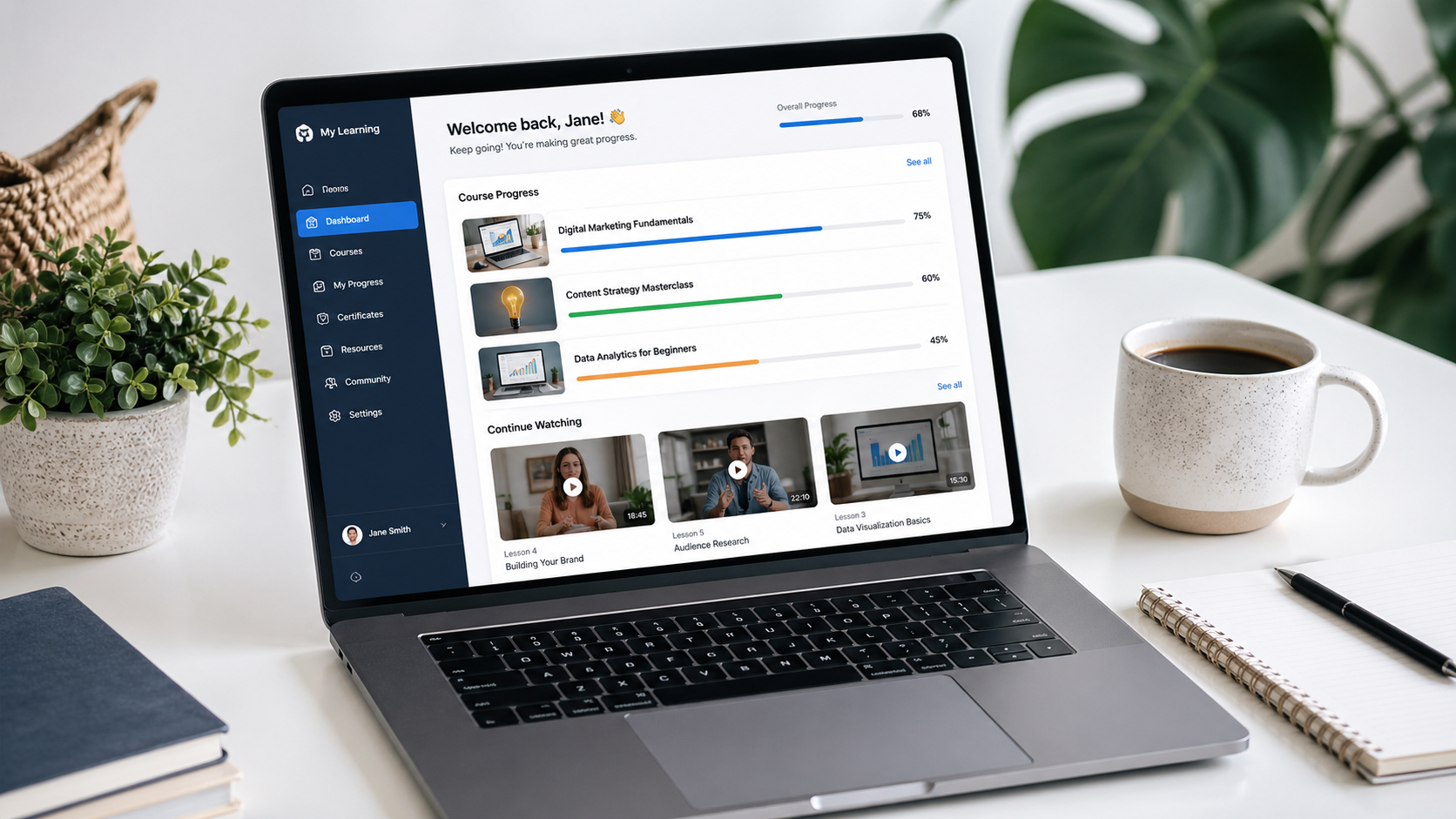
How to Use LearnWorlds for Beginners: You Have Knowledge Worth Sharing. Now What?
Then you are in the right place, and you can now make it ideal to come to live and share it with people who know that can use it to help themselves improve and life-changing things.
You’ve been an expert in your field for years. You answer the same questions over and over, you see people struggling with things you could teach in a weekend, and somewhere in the back of your mind, there’s a voice saying: “I should really turn this into a course.
But then you open your laptop, search for “how to create an online course,” and suddenly you’re drowning in platform comparisons, pricing tiers, tech jargon, and contradictory advice. The dream starts feeling like a headache.
How to Use LearnWorlds for Beginners
That’s exactly why this guide exists,
LearnWorlds is one of the most powerful all-in-one platforms available for building and selling online courses, but like any robust tool, it can feel a little intimidating when you’re starting.
This guide walks you through everything from signing up to launching your first course, written in plain English, with no fluff and no technical background required.
By the end, you’ll understand what LearnWorlds is, who it’s for, how to navigate the platform, how to build a course, and how to start making money with it. Let’s get into it.
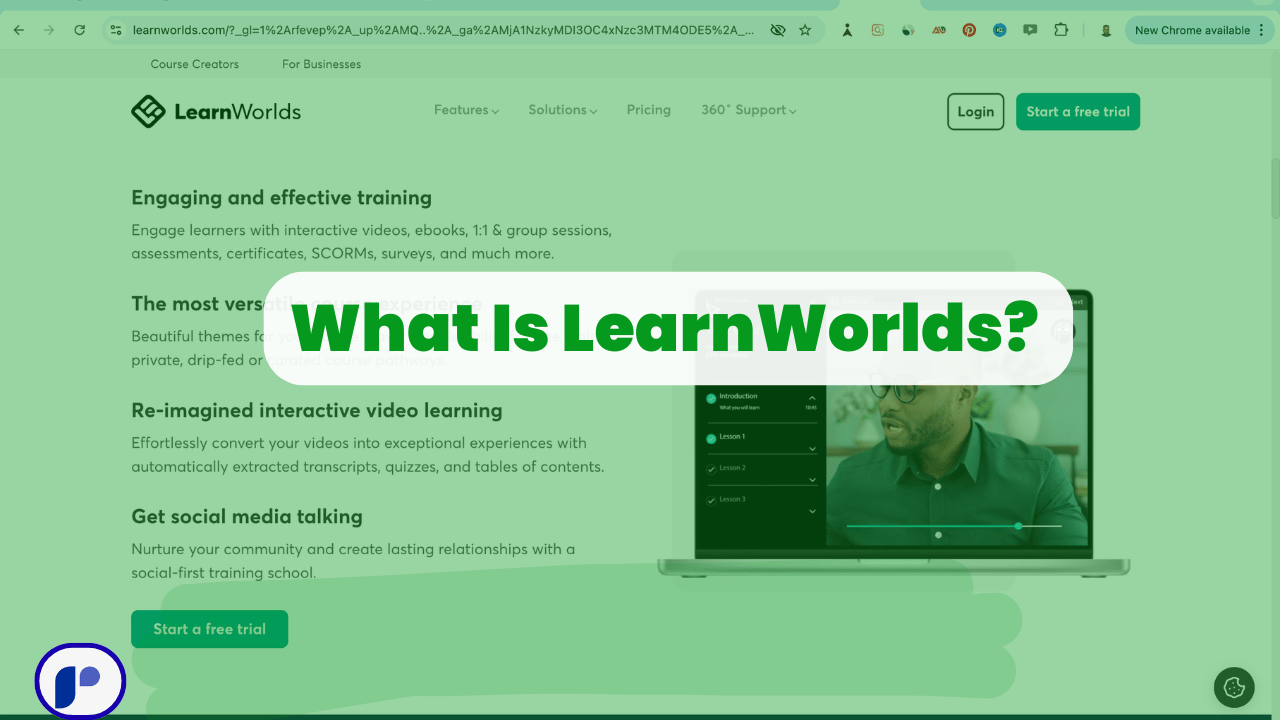
What Is LearnWorlds? (And Why Should You Care?)
Before jumping into the how-to, it helps to understand what you’re actually working with.
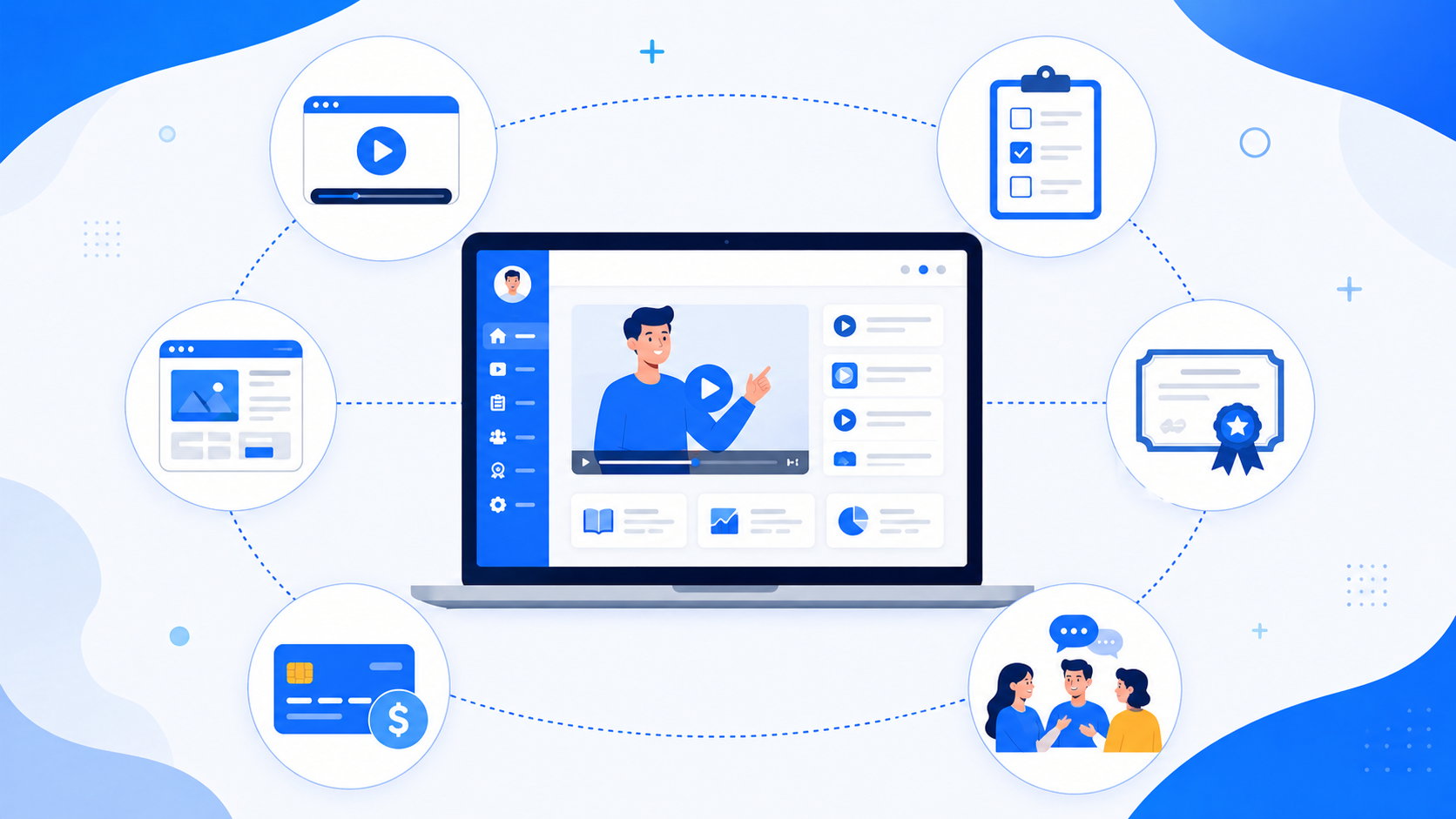
LearnWorlds is a cloud-based learning management system (LMS) and course creation platform. That sounds technical, but in simple terms, it’s software that lets you build an entire online school, from your website to your course content, to your checkout page, to your student community, all under one roof.
What sets it apart from basic course platforms is depth. You can host videos, create interactive quizzes, build full websites, manage student progress, issue completion certificates, run affiliate programs, and even launch a white-label mobile app.
Whether you’re a solo creator, a small business, a corporate trainer, or an educational institution, LearnWorlds has tools designed with your needs in mind.
Some people hear all that and think, “Great, another platform that’s complicated to use.“ And fair enough, LearnWorlds does have a learning curve, especially compared to stripped-down options like Podia. But here’s the thing: that curve is worth it.
The platform is built around a Course Creation Wizard and a drag-and-drop website builder, so even complete beginners can get a professional-looking school running in days, not months.
In fact, one real user on Capterra shared that they got their entire academy up and running, by themselves, as a side project, in about a month. That’s a full online school, built solo, from scratch.
Who Is LearnWorlds For?

LearnWorlds works for a wide range of people, which is part of what makes it so popular. Here’s a quick breakdown:
- Independent course creators who want to package and sell their expertise online
- Coaches and consultants looking to scale their knowledge beyond 1:1 sessions
- Small business owners who want to train customers or onboard employees
- Corporate training teams needing a scalable, SCORM-compatible LMS
- Educational institutions managing multiple instructors, courses, and student cohorts
- B2B trainers selling structured learning programs to organizations
If you fall into any of these categories, or if you’re still figuring out which lane you’re in, LearnWorlds gives you the flexibility to start simple and grow into more advanced features over time.
LearnWorlds Pricing: What Does It Actually Cost?
One of the first questions beginners ask is: “How much is this going to cost me?” Let’s address it directly before diving into the tutorial.
LearnWorlds offers a free 30-day trial with no credit card required. That’s a genuine test-drive, you get access to real features so you can explore the platform and decide if it’s right for you before spending a dime.
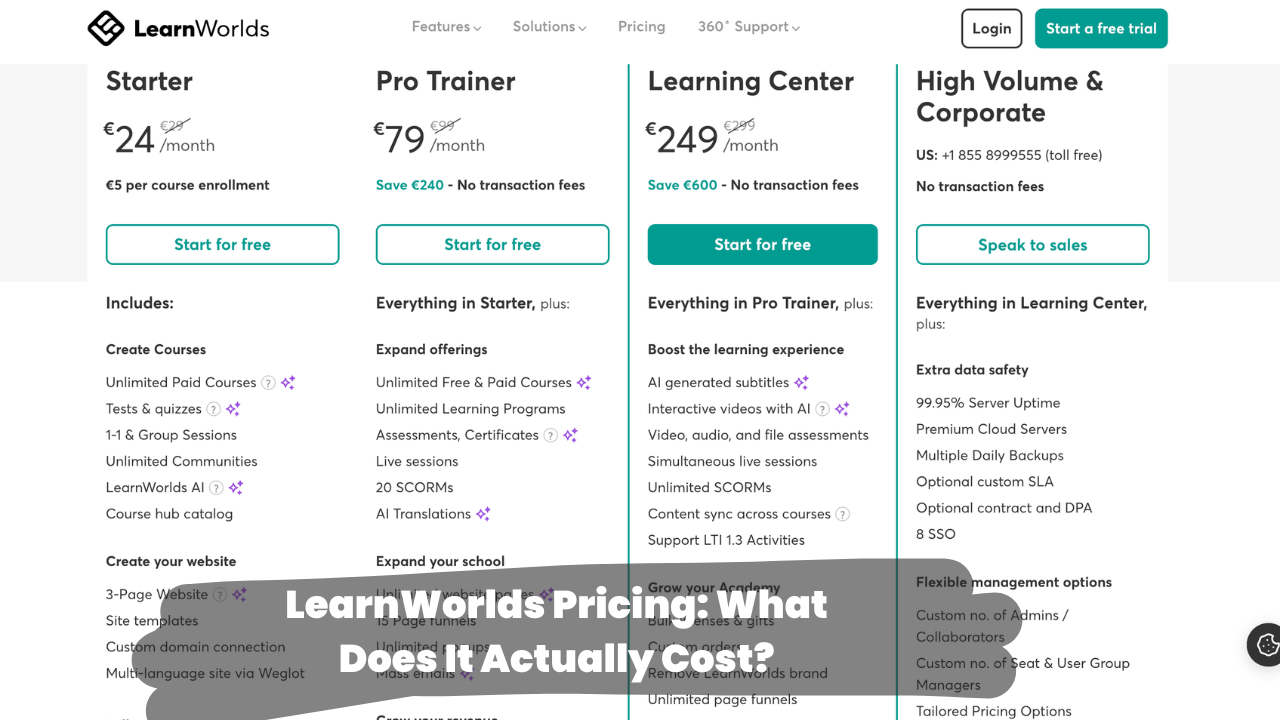
After the trial, the paid plans work roughly as follows (note: pricing can shift, so always check LearnWorlds’ official website for the most current rates):
- Starter Plan — Entry-level, good for creators just launching their first course
- Pro Trainer Plan — The most popular option for individual creators who want access to advanced tools like the interactive video editor and affiliate management
- Learning Center Plan — Built for teams, with support for multiple instructors, SCORM files, detailed reporting, and Zoom integration
- High-Volume & Corporate Plan — Custom pricing for large organizations needing dedicated account management and enterprise-level features
For most beginners, the Pro Trainer plan is the sweet spot. It gives you the tools you need to build a professional school and monetize it properly, without overwhelming you with features you won’t use right away.
One standout feature across all plans: unlimited enrollments. Unlike some competitors that charge more as your audience grows, LearnWorlds lets you onboard as many students as you want without paying extra. For anyone expecting to scale, that’s a big deal.
Step 1: Start Your Free Trial and Set Up Your School
Okay, let’s get hands-on with it, and at the end, you will see it yourself.
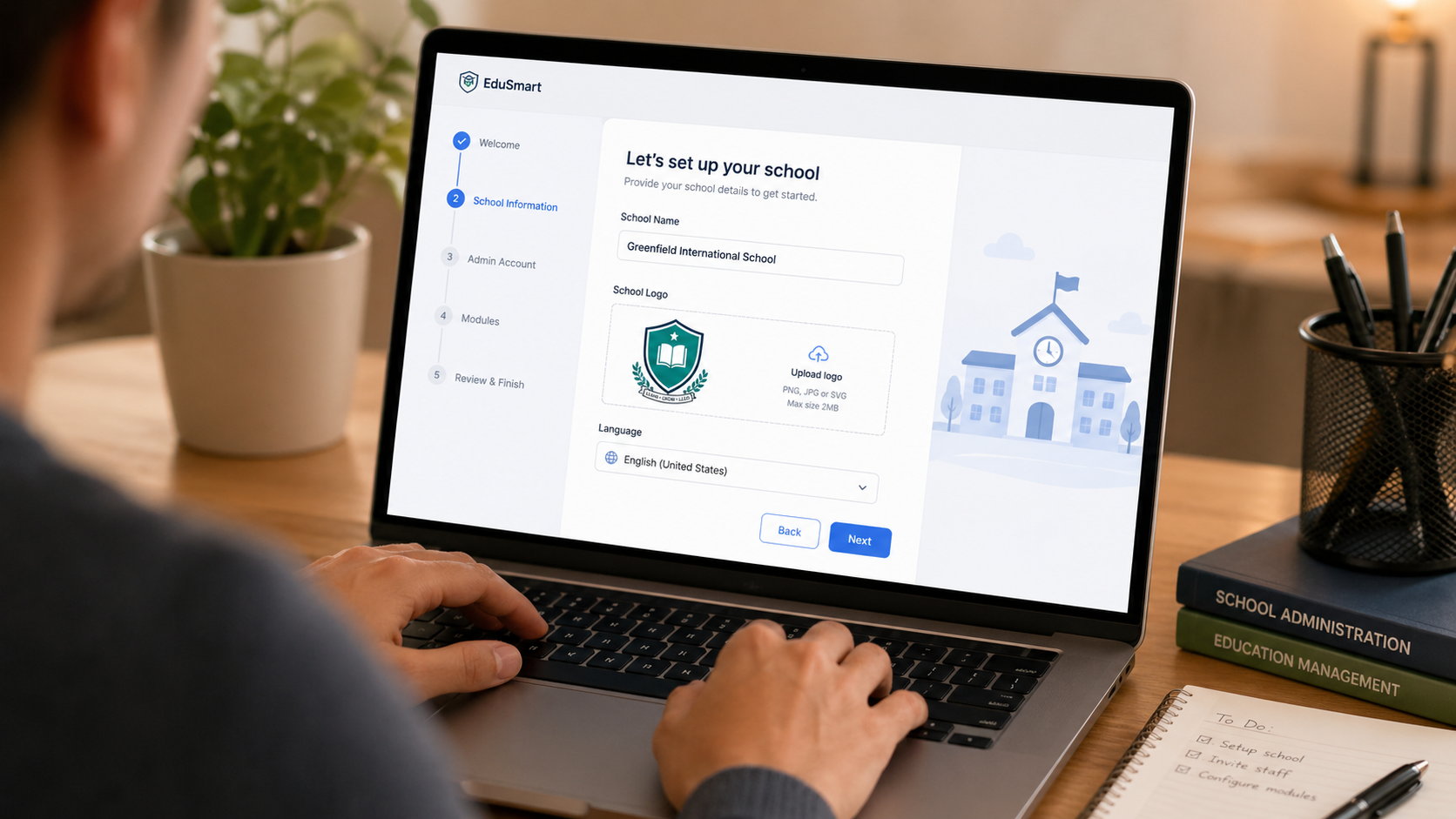
Head to learnworlds.com and click the button to start your free trial. You’ll be asked for your email address and a name for your school. Don’t overthink the school name at this stage; you can change branding details later.
Once you sign up, you’ll land on your admin dashboard. Take a few minutes to get familiar with the layout. Down the left side, you’ll see the main navigation: Dashboard, Courses, Site Builder, Marketing, Payments, People, and Settings. Each of these sections handles a different part of your online school.
The first thing to do is head to Settings and fill out your school profile. Add your school name, upload a logo if you have one, set your timezone, and configure your language preferences. This is also where you’ll eventually connect a custom domain (something like courses.yourname.com instead of yourname.learnworlds.com), which makes your school look far more professional.
LearnWorlds supports multiple languages, which matters if you’re serving an international audience. You can run your school interface in dozens of different languages, and even offer courses in multiple languages from the same account.
Step 2: Design Your School Website
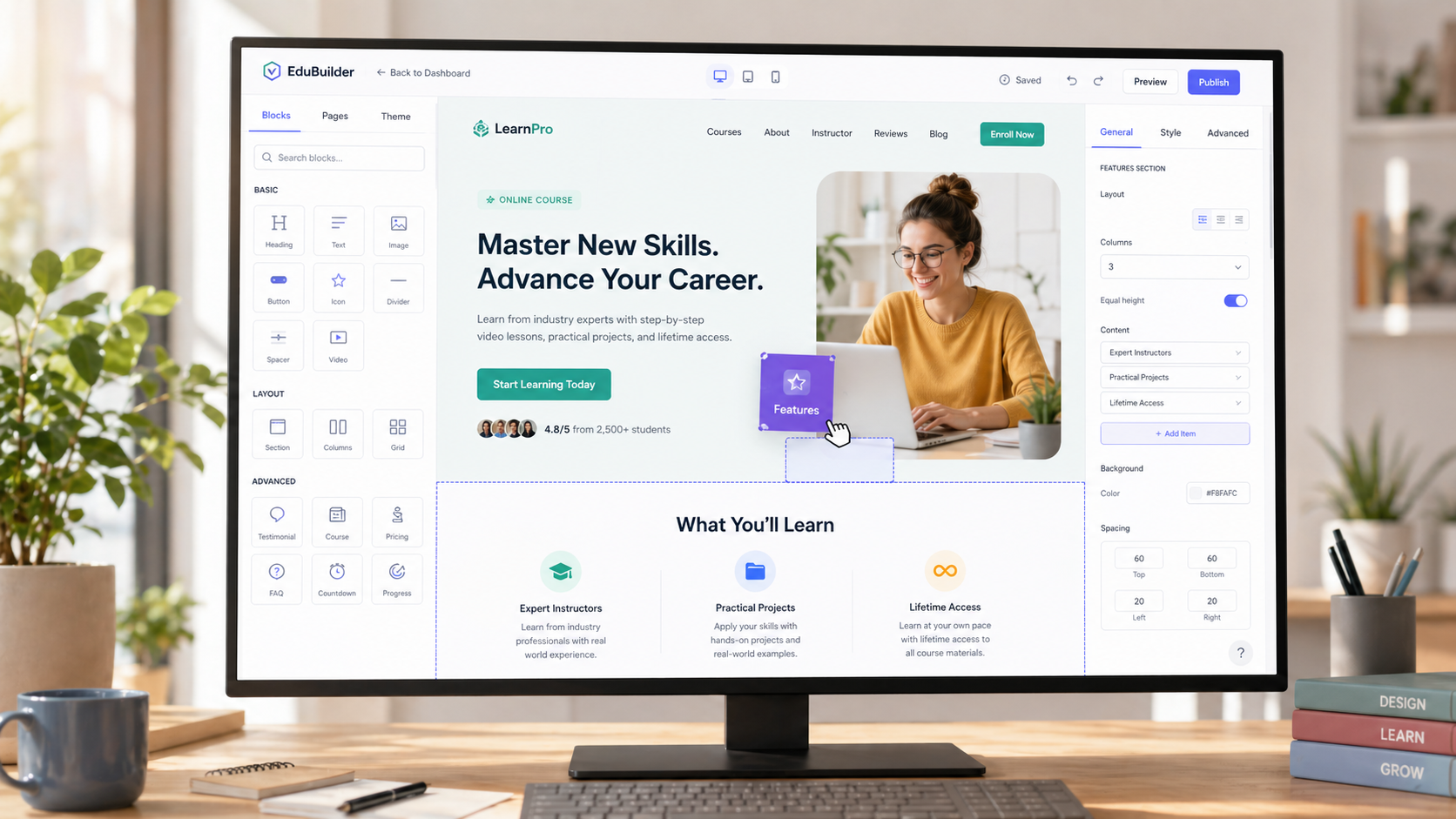
Here’s where a lot of beginners get pleasantly surprised: LearnWorlds includes a full website builder. You’re not just creating a course — you’re building a proper web presence.
Click on Site Builder in the left menu. You’ll see a selection of professionally designed page templates for your homepage, landing pages, course catalog, and more. Choose one that fits your style, then start customizing.
The builder uses a drag-and-drop interface, which means you don’t need to know a single line of code. You click on elements, move them around, change text, swap images, and adjust colors directly on the page. For more experienced users, there’s also the option to add custom HTML/CSS — but you absolutely don’t need to touch that to create a great-looking site.
A few things to set up right away:
Your homepage. This is the first thing potential students will see. Make your headline clear and benefit-driven. Instead of “Welcome to John’s Academy,” try “Learn [Skill] in [Timeframe] — Even If You’re Starting from Zero.” Specificity sells.
Your course catalog page. LearnWorlds automatically generates a catalog of your courses. As you add more courses, they’ll appear here. Students can browse and enroll from this page.
A landing page for your first course. This is a standalone page dedicated to one specific course, designed to convince visitors to enroll. LearnWorlds has templates for these too.
Don’t spend too long perfecting the website before you have a course to sell. A good-enough site launched today beats a perfect site launched six months from now.
Step 3: Create Your First Course
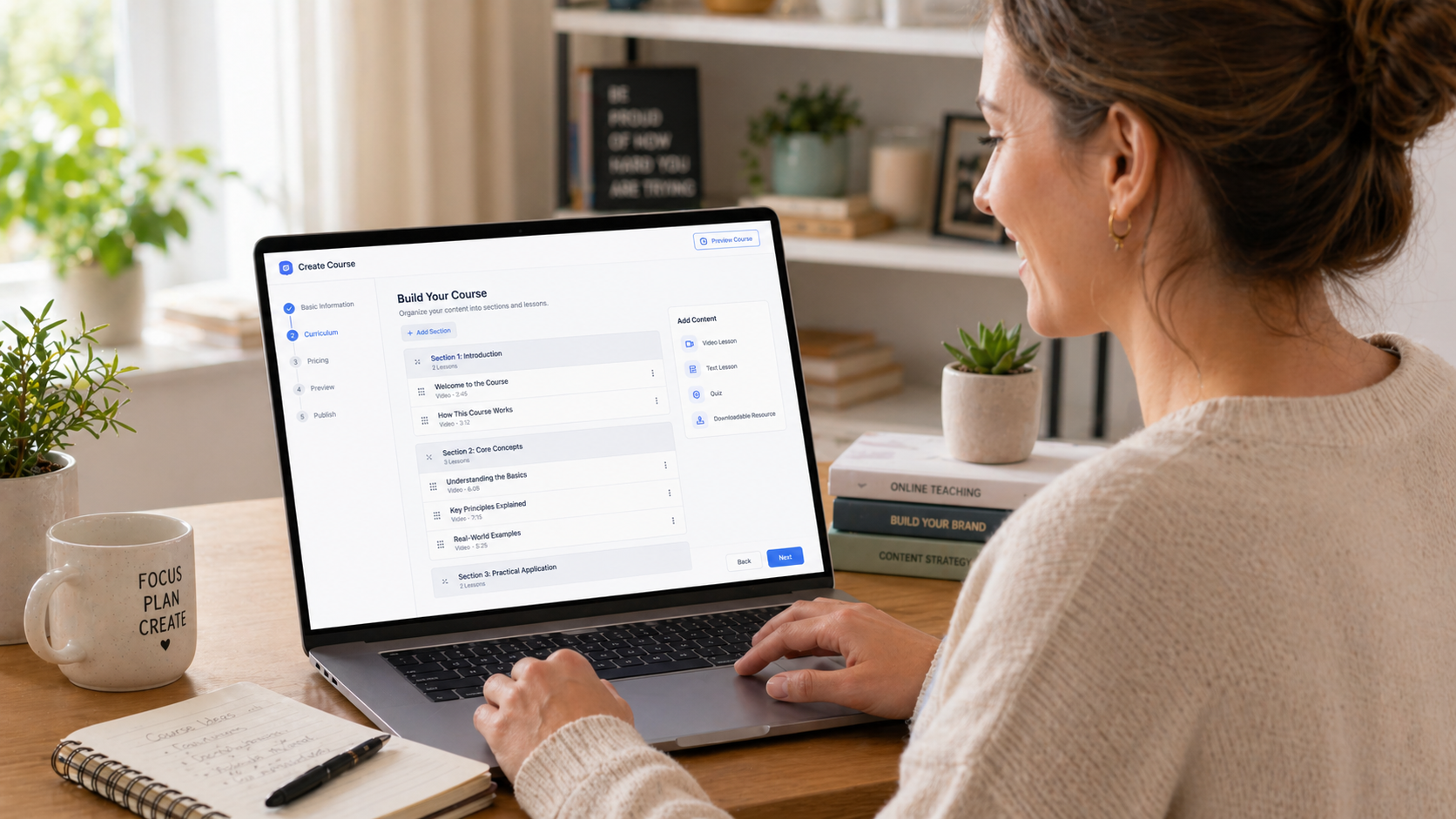
This is the core of everything, building the actual course. In LearnWorlds, you’ll do this through the Course Builder, which is powered by a helpful Course Creation Wizard.
From your dashboard, click Courses, then Add New Course. The wizard walks you through the basics:
- Give your course a title and description. LearnWorlds even has an AI Assistant that can help you draft these if you’re staring at a blank screen. That said, write from your own voice — your personality is part of what students are buying.
- Set your course structure. Courses in LearnWorlds are organized into sections and activities. Think of sections as chapters and activities as the individual lessons within each chapter. You can add as many of both as you need.
- Add your content. This is where you upload the actual material. LearnWorlds supports a wide variety of content types, including:
- Video files (uploaded directly or embedded from YouTube/Vimeo)
- Text lessons
- PDFs and downloadable files
- Audio files
- SCORM packages (for those coming from corporate training backgrounds)
- Quizzes and assessments
- Assignments
- Live sessions via Zoom or Webex
- Interactive eBooks
- Set up drip scheduling (optional). If you want students to receive content gradually over time — say, one new lesson per week — LearnWorlds lets you configure that. This is especially effective for keeping students engaged rather than binge-watching everything on day one and disappearing.
- Configure course access. You’ll choose whether the course is free, paid, or accessible by invitation only. You can also set it up as a standalone purchase or bundle it with other courses.
A Note on Video Content
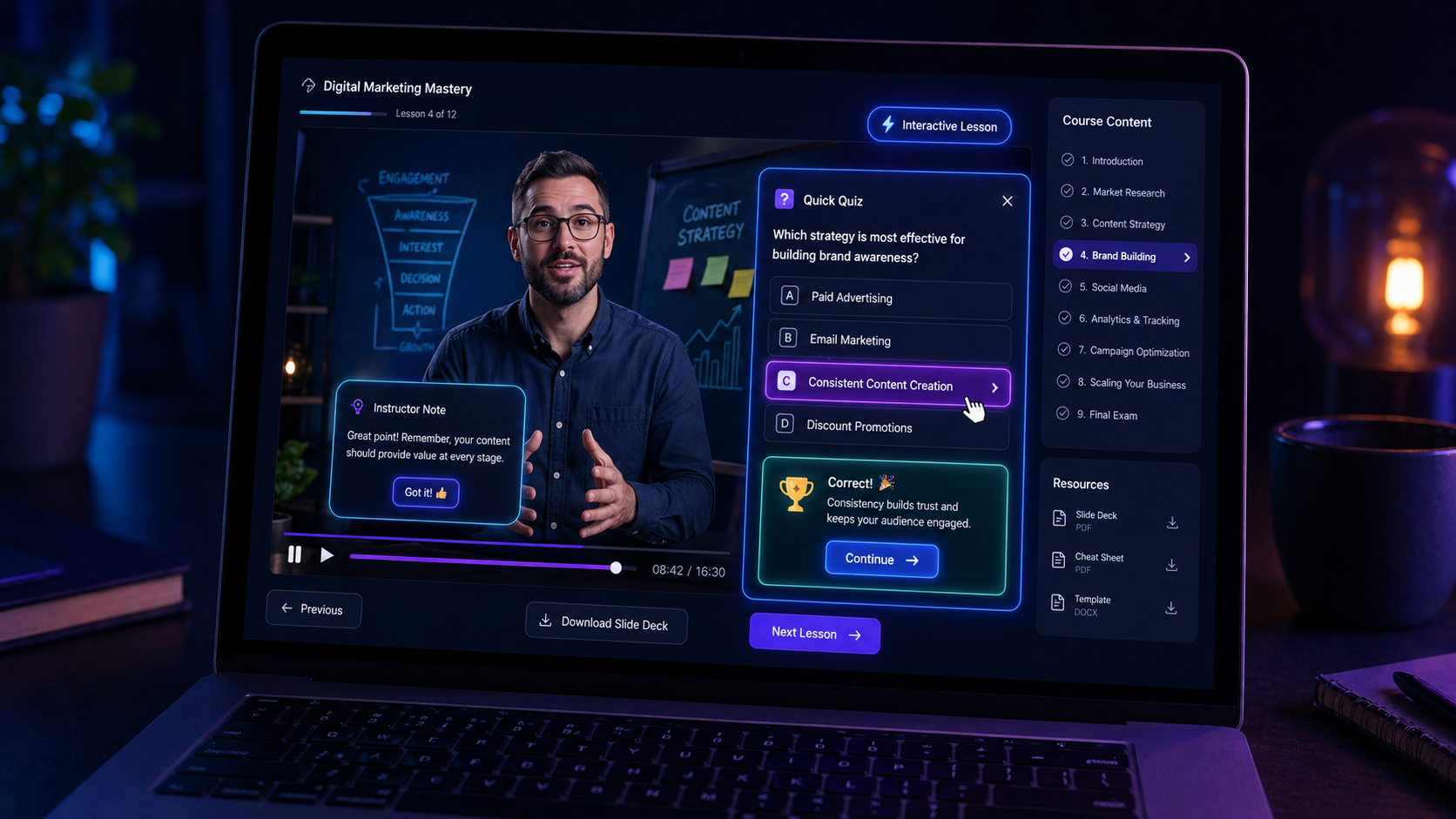
Video is almost always the heart of an online course. When you upload a video to LearnWorlds, the platform can automatically extract a transcript, generate a table of contents, and even pull quiz questions from the content.
That’s not just a nice-to-have it’s a serious time-saver and a significant boost to the learning experience.
But perhaps the most impressive video feature in LearnWorlds is the interactive video editor. You can embed quizzes, call-to-action buttons, and clickable links directly inside your videos.
Instead of students passively watching a 20-minute lesson and forgetting most of it, they’re actively engaging with the material. This level of interactivity is rare in the course platform world; most competitors simply don’t offer it.
Step 4: Build Your Assessments and Certificates
One thing that separates a truly valuable course from a simple video series is accountability.
Students who complete quizzes, submit assignments, and earn certificates are far more likely to finish the course and far more likely to recommend it to others.
LearnWorlds makes building assessments straightforward. From within any course section, you can add:
- Multiple choice quizzes — Great for knowledge checks throughout the course
- Open-ended assignments — Where students submit written work or upload files for you to review
- Surveys — Useful for gathering feedback or gauging student sentiment
You can also set rules around assessments — like requiring a minimum passing score before a student can move to the next section, or limiting the number of retake attempts.
These kinds of guardrails add rigor to your course and make it feel more like a real educational experience.
At the end of a course, you can automatically issue a completion certificate. LearnWorlds has a certificate builder where you can design a branded certificate with your logo, the student’s name, the course title, and the completion date.
Students love receiving these, and they tend to share them on LinkedIn and social media, which is free marketing for you.
Step 5: Set Up Payments and Pricing
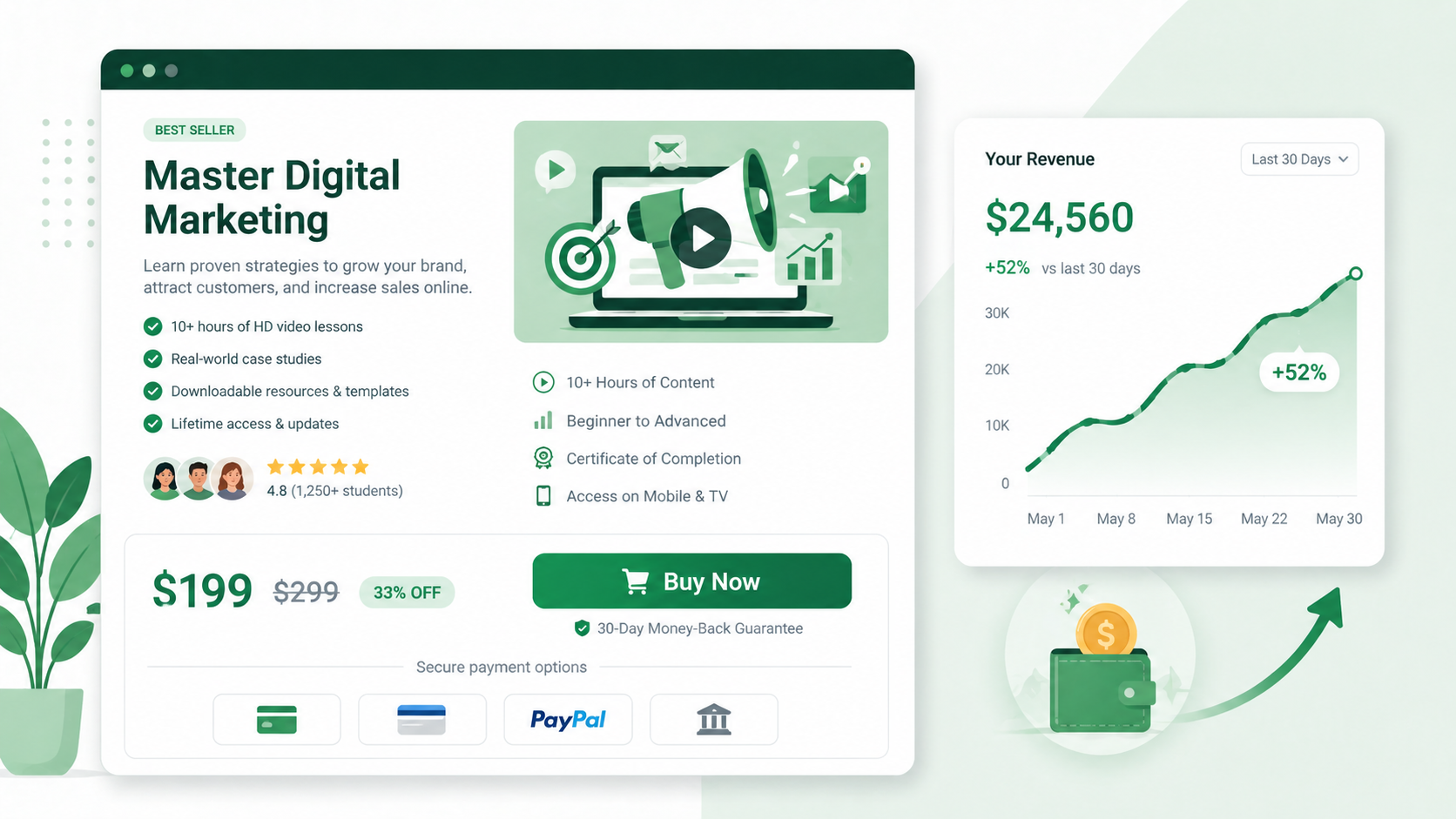
You’ve built a course. Now let’s make sure you can get paid for it.
In your dashboard, go to Payments to configure how you’ll charge students. LearnWorlds supports multiple payment gateways, including Stripe, PayPal, and others, depending on your region. Connect whichever one works for your situation.
When pricing your course, you have several options:
- One-time payment — The most straightforward option. Student pays once, gets lifetime access.
- Subscription — Students pay monthly or annually to access your content. Great for ongoing programs or membership communities.
- Installment plans — Let students split a higher-priced course into multiple payments. This removes a major purchase barrier.
- Bundles — Group multiple courses together and sell them as a package, usually at a discount. Bundles can significantly increase average order value.
- Free enrollment — Offer courses for free, which is useful for lead generation or community building.
You can also create coupon codes and run promotions directly from the platform. If you want to launch with an early-bird discount or reward an email list subscriber, you can set that up in minutes.
For those interested in expanding their reach, LearnWorlds also has a built-in affiliate management system.
You can recruit students, partners, or fellow creators to promote your courses in exchange for a commission on each sale they generate.
Step 6: Build Your Student Community
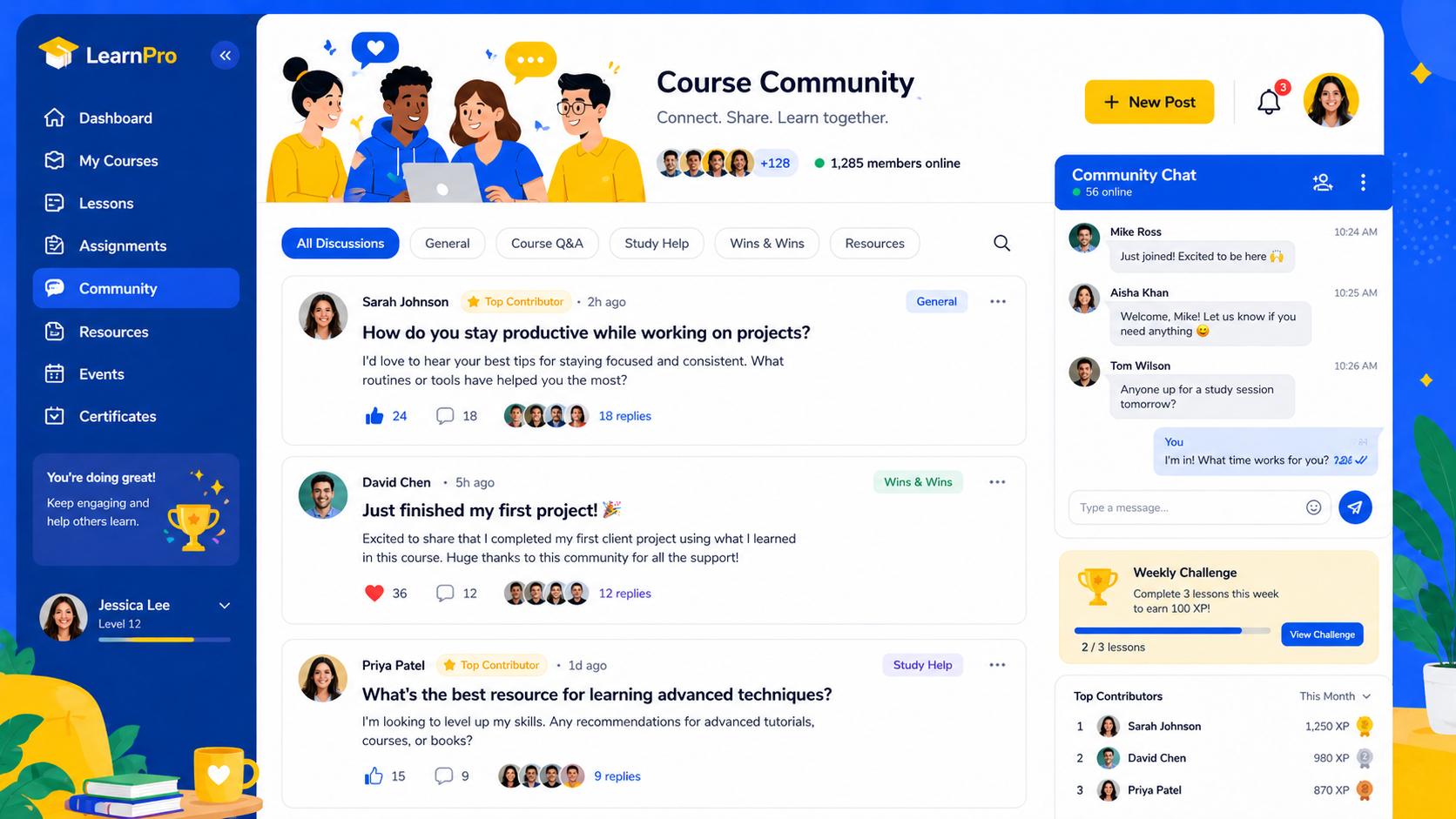
Here’s a feature that many course platforms either lack entirely or handle poorly: community.
Research consistently shows that learners who are part of a community have higher course completion rates.
When students can ask questions, share progress, and interact with peers, the learning experience becomes something people want to stick with, not just something they paid for and never finished.
LearnWorlds has a built-in community and social learning feature. From your school settings, you can enable a community space where students can post updates, join groups, comment on lessons, and engage with each other.
You can also use this space to post announcements, share resources, and drive conversation around your course content.
You can keep the community open to all students, or restrict it to paid members only — useful if you’re using it as part of a premium membership offering.
This is one area where LearnWorlds genuinely stands out from competitors. Rather than sending students away to a Facebook Group or Discord server, you keep the conversation inside your own branded school. That means more control for you and a more cohesive experience for your students.
Step 7: Explore Integrations
No platform is an island, and LearnWorlds understands that. It integrates with over 2,000 apps via Zapier, plus has native integrations with major tools, including:
- Zoom and Cisco Webex — For live sessions, coaching calls, and webinars
- Mailchimp, ConvertKit, and other email tools — To sync student data with your email marketing
- Google Analytics and Facebook Pixel — For tracking traffic and ad performance
- HubSpot — For CRM and advanced marketing automation
- Stripe and PayPal — For payment processing
- Vimeo — For hosting video content externally
- Shopify — For connecting your course school with a physical product store
If there’s a tool you’re already using in your business, there’s a good chance LearnWorlds either integrates natively with it or can connect through Zapier.
One integration worth mentioning specifically: Zoom. With the Pro Trainer plan and above, you can schedule and run live Zoom sessions directly inside your LearnWorlds course.
Students see the upcoming session within the course interface, join from there, and the recorded session can automatically appear in the course after it ends.
For coaches or cohort-based courses, this is extremely valuable.
Step 8: Use the Analytics Dashboard to Grow
You’ve launched. Students are enrolling. Now what?
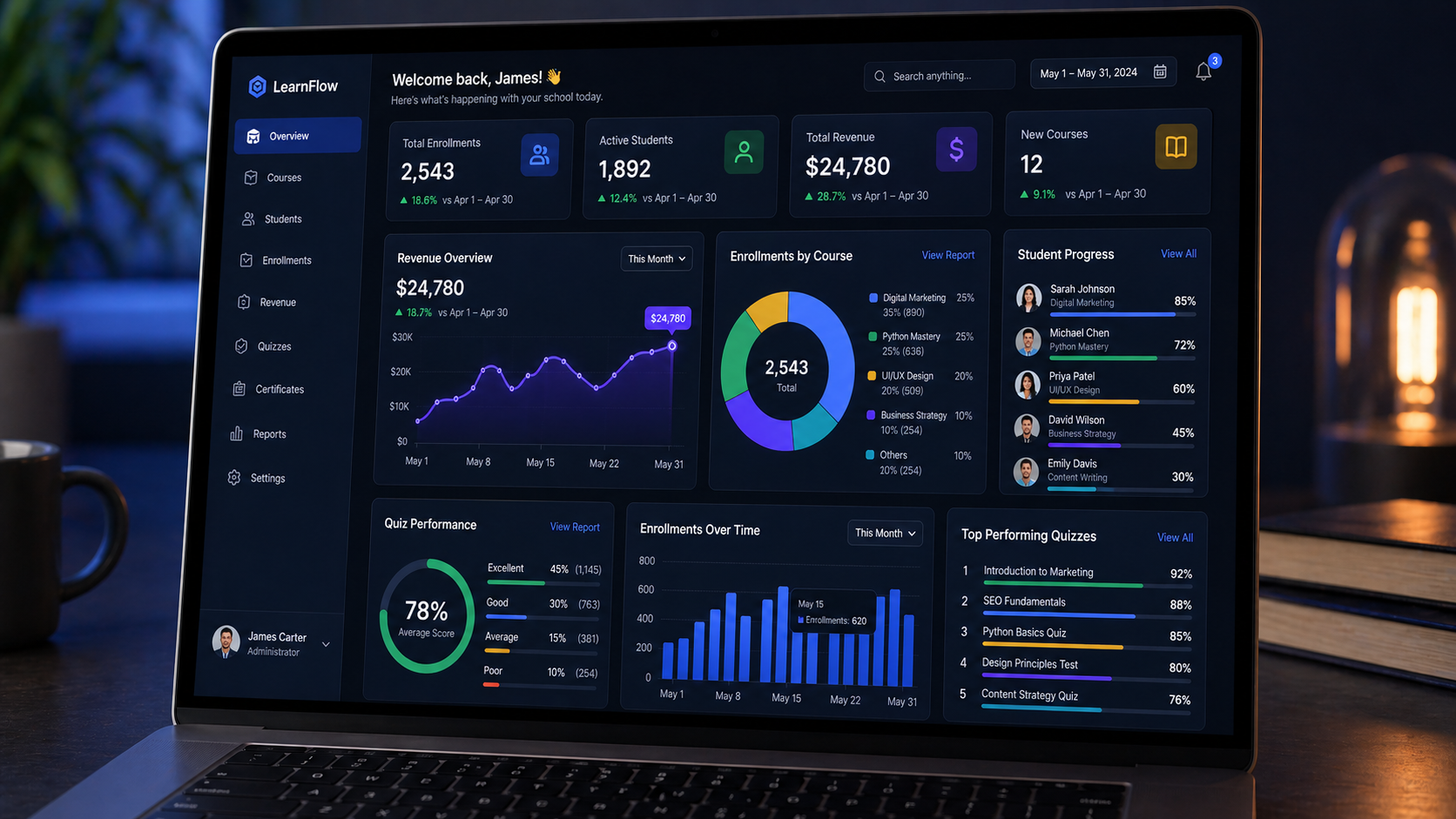
LearnWorlds gives you a solid analytics dashboard that tracks the metrics that actually matter for a course creator:
- Enrollment numbers — How many students have signed up per course
- Revenue tracking — Total earnings, broken down by course and time period
- Student progress — How far through the course each student has gotten
- Quiz performance — How students are scoring and where they’re struggling
- Page and traffic data — Which pages on your website are getting the most visitors
On the higher-tier plans, you also get course insight reports and the ability to schedule reports to be emailed to you automatically. For anyone managing multiple courses or instructors, this is a significant help.
The analytics aren’t just numbers for their own sake. They tell you stories. If you notice that most students drop off at a specific lesson, that’s a signal to revisit that section.
If a particular course is converting at a much higher rate than others, study what’s working and replicate it.
This kind of data-informed iteration is how good courses become great ones.
Step 9: Optimize Your School for Mobile
A significant percentage of your students will access your course from a phone or tablet. This isn’t optional to account for; it’s essential.
The good news is that all LearnWorlds school websites are mobile-responsive by default, which means they automatically adjust to look good on any screen size.
Your students don’t need to pinch and zoom to read a lesson.
But LearnWorlds goes further. On the higher-tier plans, you can actually build a white-label mobile app for your school, meaning a branded app in the App Store and Google Play with your logo, your school name, and your content.
For creators who want to deliver a truly premium experience, this is a remarkable feature.
Even without the custom app, the mobile browsing experience on LearnWorlds is solid. Students can watch videos, take quizzes, read lessons, and engage with the community from their phones without friction.
LearnWorlds vs. The Competition: Where Does It Stand?
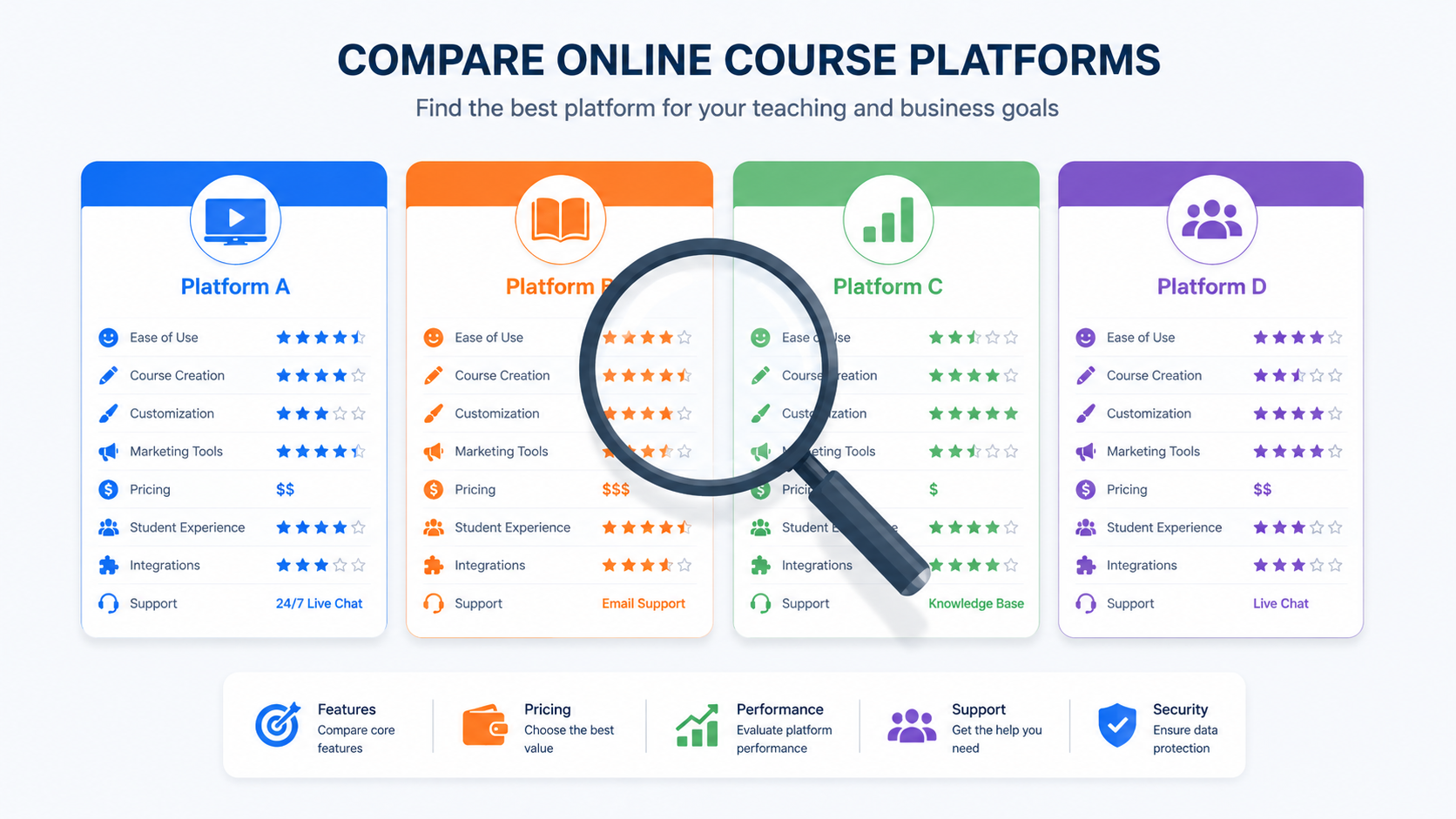
You’ve probably seen other names while researching: Teachable, Thinkific, Kajabi, Podia. Here’s a quick, honest comparison:
LearnWorlds vs. Teachable: Teachable is simpler and slightly more beginner-friendly for very basic courses. But LearnWorlds offers far more in terms of interactivity — especially the interactive video editor, the white-label app builder, and the depth of student assessment options. If engagement and customization matter to you, LearnWorlds wins.
LearnWorlds vs. Thinkific: Both are solid platforms. LearnWorlds edges ahead in interactive features and community tools. Thinkific has a free plan, which gives it an advantage for someone just testing the waters with zero budget.
LearnWorlds vs. Kajabi: Kajabi is often praised for its email marketing and pipeline tools. If email marketing automation is your primary concern, Kajabi might serve you better in that one area. But LearnWorlds provides better learning tools overall, particularly for creators who want interactive, high-quality educational experiences rather than just marketing funnels.
LearnWorlds vs. Podia: Podia is simple and affordable, but lacks the depth of LearnWorlds. If you’re an advanced creator or plan to scale, you’ll outgrow Podia quickly. LearnWorlds is built for growth.
The bottom line: LearnWorlds is not the cheapest or the simplest platform, but for creators who want to build a serious online school, not just a basic course, it consistently comes out on top.
Common Beginner Mistakes to Avoid on LearnWorlds
Now that you have the full picture, here are a few pitfalls that trip up new users:
Trying to be perfect before launching. Your first course doesn’t need to be flawless. It needs to be helpful. Launch something real, gather feedback from students, and improve it. Version 1 is infinitely better than version 0.
Ignoring the community feature. Many creators set up their course, add the content, and leave it at that. The community feature is one of LearnWorlds’ strongest differentiators. Use it. Show up in it. It dramatically improves student retention and satisfaction.
Setting the price too low. This is a mistake almost every beginner makes. Underpricing your course can actually reduce perceived value. If someone sees a $9 course and a $297 course on the same topic, they assume the $297 one is more thorough. Be realistic about the value you’re providing, and charge accordingly.
Skipping analytics. Set up Google Analytics and Facebook Pixel from day one, even if you’re not running ads yet. Having that data from the start means you’ll have a clean historical baseline to compare against when you do launch a marketing campaign.
Not testing the student experience. Once your course is set up, log in as a student (use an incognito window or a separate email) and go through the whole course. You’ll immediately notice things you want to fix that you couldn’t see from the admin side.
Real Results: What People Are Building With LearnWorlds
Sometimes the best way to understand what’s possible is to see what others have done.
According to LearnWorlds‘ own case studies and community stories, creators have built everything from lactation certification programs to mastery courses with over 1,500 learners acquired in just 7 days. The platform hosts schools in over 120 countries, across virtually every niche, fitness, finance, cooking, coding, language learning, professional skills, and beyond.
What ties these success stories together isn’t any single feature; it’s the combination of professional course delivery, student engagement tools, and built-in marketing capabilities that make LearnWorlds more than just a video hosting platform. It’s a complete ecosystem for building and running a learning business.
Quick-Start Checklist: Your First 7 Days on LearnWorlds
Use this as a roadmap to hit the ground running:
Day 1: Start your free trial. Fill out your school settings. Upload your logo.
Day 2: Choose a website template and customize your homepage. Don’t overthink it.
Day 3: Create your first course structure. Add sections and lesson titles — even if the content isn’t ready yet.
Day 4: Start uploading content. Begin with your first 3–5 video lessons. Add one quiz.
Day 5: Build your course landing page. Write a compelling description that focuses on outcomes for the student.
Day 6: Connect your payment gateway. Set your price. Create one coupon code for a launch discount.
Day 7: Enable the community feature. Post a welcome message. Test the full student experience from sign-up to lesson completion.
That’s a functional, revenue-ready online school in one week. From there, it’s about adding more content, refining your website, building your audience, and iterating based on student feedback.
Final Thoughts: Is LearnWorlds Worth It for Beginners?

Here’s the honest answer: yes, with one caveat.
You can make your own product come to life with the LearnWorld. It is one of the best ways to grow and make people who are looking for your dream ideals come alive, and share them with people who need them.
If you’re expecting a platform where you’ll have everything figured out in 30 minutes with no effort, you might find the initial setup a bit overwhelming. LearnWorlds is feature-rich, and that means there’s more to explore than a bare-bones tool.
But if you’re willing to invest a few days into learning the platform, using the Quick Start guides, the onboarding resources, and this very article, you’ll have access to one of the most capable courses for building platforms on the market.
The interactive video tools, community features, certificate builder, unlimited enrollments, and built-in marketing capabilities combine to create something genuinely powerful.
The 30-day free trial means there’s zero risk in finding out for yourself. You don’t need a credit card, a polished course idea, or technical skills. You just need a topic you know well and the willingness to share it.
So if you’ve been sitting on that course idea, the one you keep saying you’ll get to someday, this might be your sign.
Your students are out there waiting for what you know. LearnWorlds gives you everything you need to reach them.
Have questions about getting started with LearnWorlds? Drop them in the comments below. And if you follow the instructions given on this blog about LearnWorld with the Ugodspower guide.
How to make money online step by step guideline
You can learn how to make money online with a step-by-step guide. With these easy ways to earn extra cash with surveys or using a method of affiliate marketing strategy to earn money online, you can try it by following the step-by-step guide tutorials above this paragraph. Don’t forget, you can still get the learnwords. Just keep learning with us.